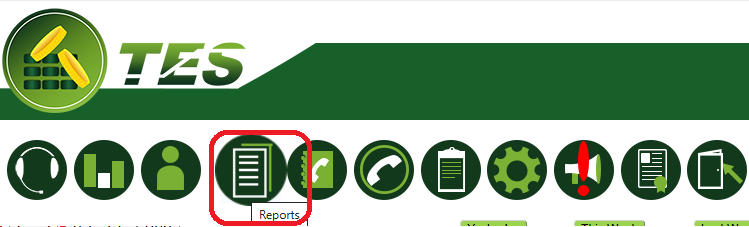
Select the required report and settings under the REPORTS icon:
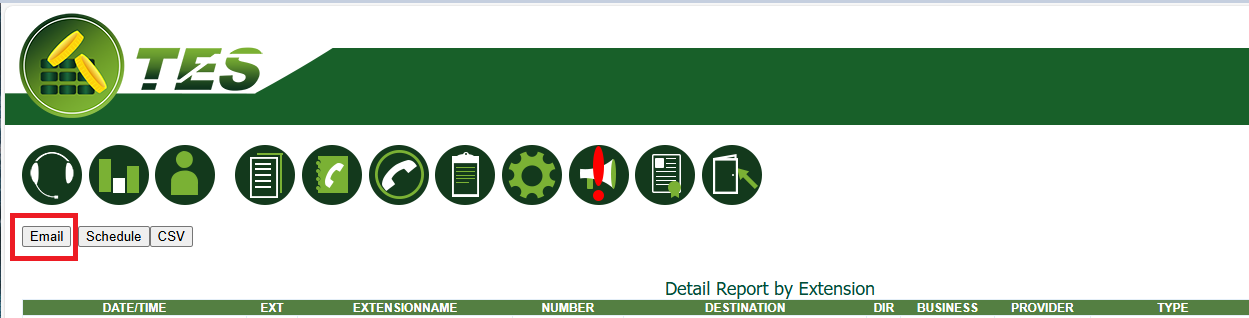
Once the report result is displayed,
you will have the EMAIL button on the top left-hand side.
Click on it:
Enter the e-mail address for EMAIL TO.
NOTE: There is a EMAIL CC option for one or more e-mail addresses.
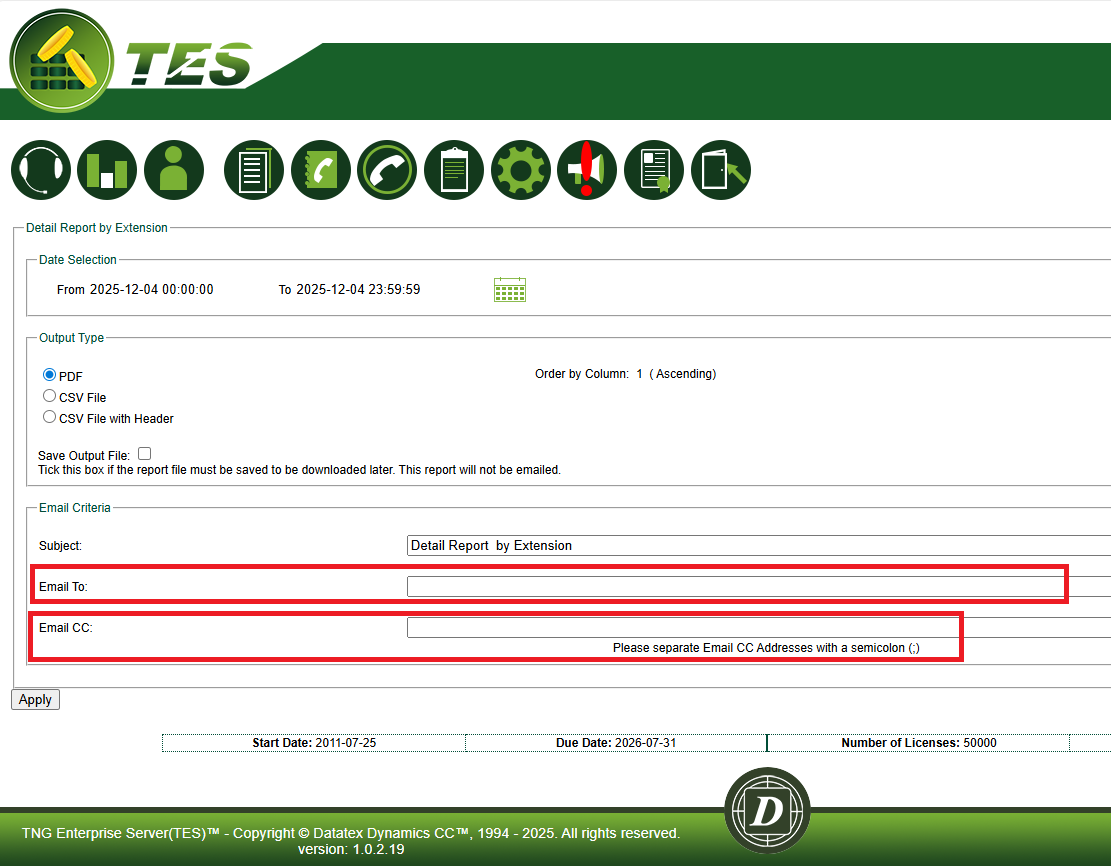
To send report, click on APPLY.