Requirements:
Log into Supervisor.
You need access to the Administrations page:

Options:
Show Audit Trail:
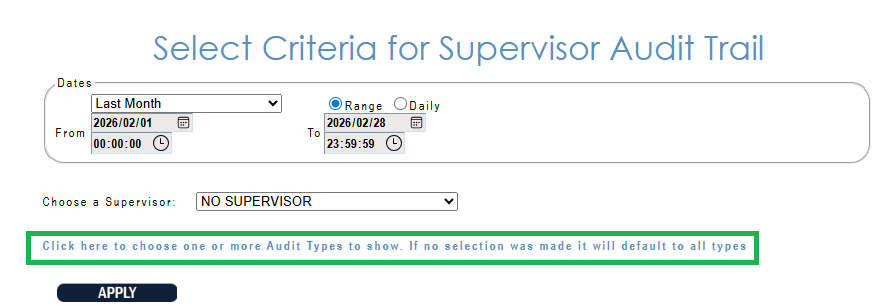
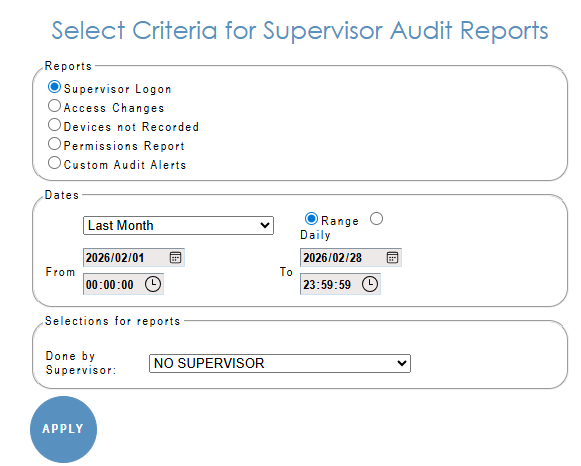
Select the Date range and supervisor or NO SUPERVISOR for all.
Click on area marked in green and tick LOGIN.
NOTE: This report does not display the full login due to POPI act.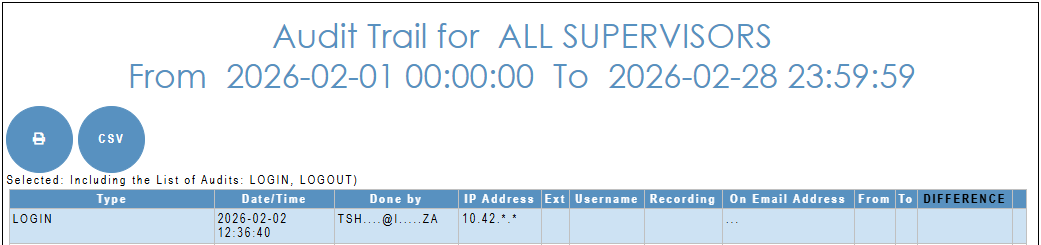
The result can be PRINT (to PDF) or save as CSV:
Audit Reports:
Select Supervisor logon, required date-time range and supervisor login or NO SUPERVISOR for all:
The result show 2 sets of information per supervisor login:


The result can be e-mailed or scheduled to be sent in Standard e-mail or CSV format.